Capture the job
Keep the customer, project, notes, and files tied together from the start.
For Contractors
PropoKit helps you keep the customer, project, files, scope, pricing, proposal delivery, follow-up, and accepted-work prep together from the first call to the final yes.
QuickBooks starts after acceptance. Drafts and job details stay organized in PropoKit first.
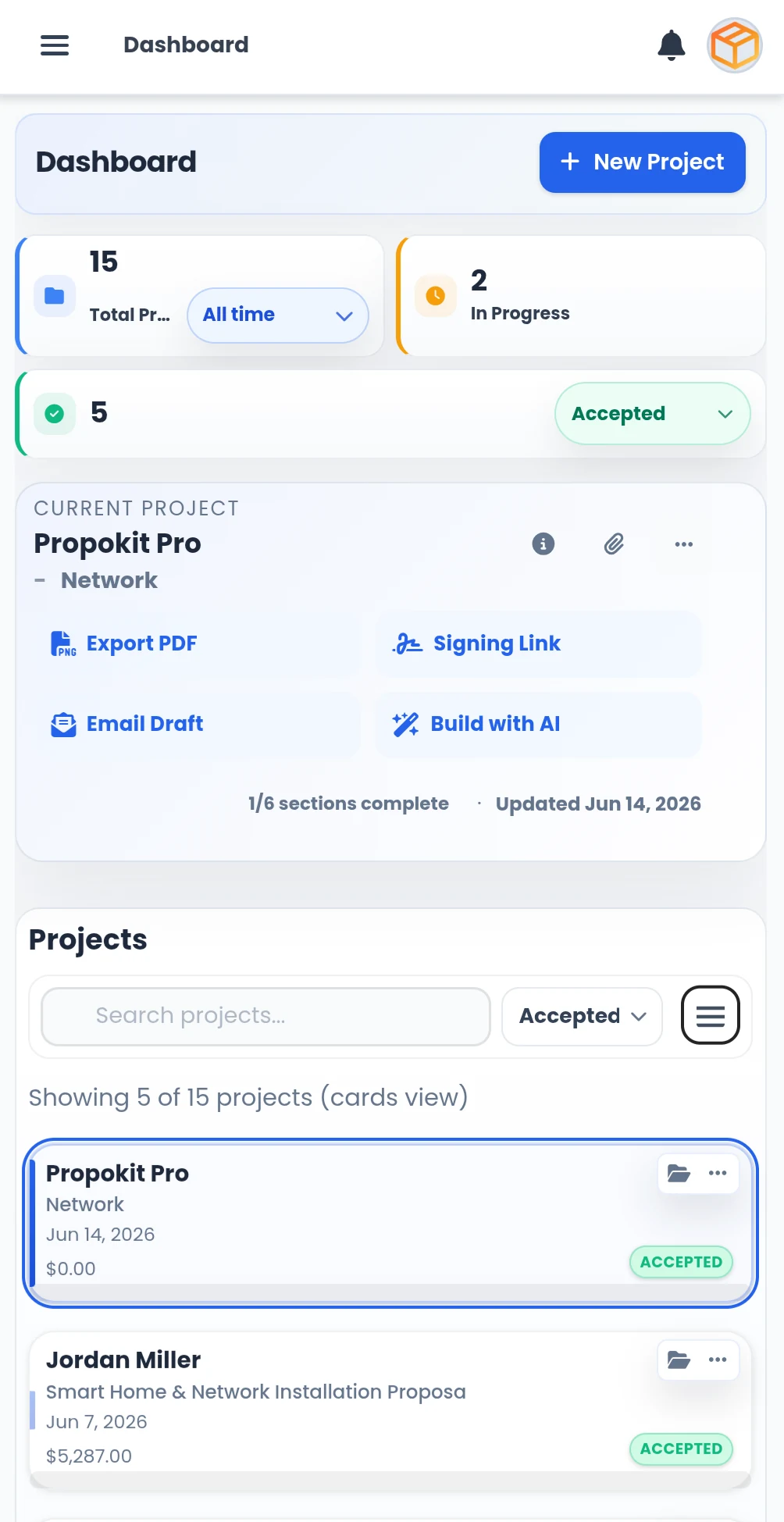
A contractor proposal usually starts with a call, a site visit, a few photos, customer notes, rough scope, product choices, pricing decisions, and follow-up. If those pieces are scattered, the proposal gets slower and easier to lose.
Keep the customer, project, notes, and files tied together from the start.
Use saved products, services, scope notes, pricing, and proposal sections.
Send, track, follow up, and move accepted work toward QuickBooks when connected.
Start with the job, not a blank document. Add the customer, project name, files, and early details.
Use proposal sections, saved items, Scope of Work, Objectives, Pricing Summary, Terms, and AI-assisted drafting where it helps.
Export the proposal, share the signing link, create an email draft, and keep the next step visible.
When the customer accepts, PropoKit keeps the accepted proposal organized and ready for QuickBooks preparation when connected.
Before accounting
QuickBooks is where accounting happens. PropoKit is where the proposal workflow happens before accounting begins. Drafts, files, scope changes, proposal versions, follow-up, and accepted-work prep stay in PropoKit until the job is accepted and ready for handoff.
QuickBooks remains the accounting system of record. See how QuickBooks prep works →
Core for one owner. Pro for teams. Core gives one business owner the complete workflow. Pro adds teammate access, shared files, shared proposal library, imports, bulk updates, role controls, and more storage. See Pricing
Yes, if your work involves customers, project details, files, scope, pricing, proposals, follow-up, and accepted-work handoff.
No. QuickBooks remains the accounting system of record. PropoKit manages the proposal workflow before accounting begins.
Yes. PropoKit helps you reuse saved proposal content, products, services, pricing details, and scope language so you do not start from scratch every time.
Quote the next job with a cleaner workflow. Keep the project, files, proposal, follow-up, and accepted-work prep together before QuickBooks starts. See Product Tour or explore PropoKit for AV and low-voltage integrators.